
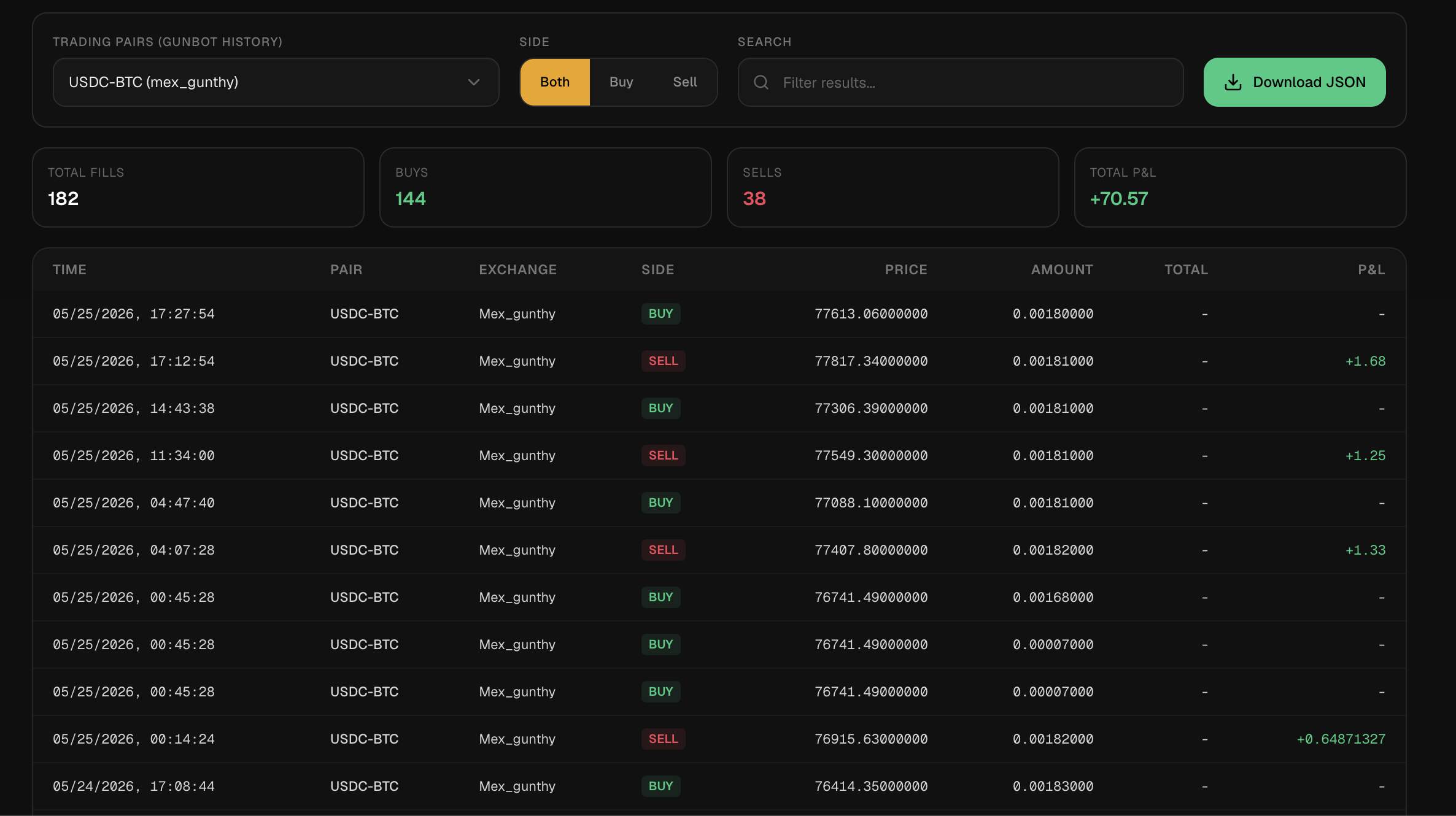
Disaster recovery in Gunbot Live means helping you restore or rebuild important trading detail when trading history, records, or bot state are missing, incomplete, or damaged. It is especially useful when you need to recover pair history for review, support, or tax preparation.
What This Feature Does
Recovery tools are for the cases where history is incomplete, stale, or imported from the wrong moment. When exchange access allows it, you can pull more trade and fill detail and keep the recovery focused on the pair and exchange you are trying to fix.
Example Workflow
You notice missing history for a pair, open history recovery tools, select the exchange, symbol, date range, and mode, then fetch the missing records in exchange-safe batches. Once the records reconcile, the trading-history download workflow can produce a portable JSON export for accounting or tax preparation.
Risks And Limits
The limits matter: Exchange APIs may limit date ranges, symbols, or historical depth. Recovered history may not perfectly match old local records. Credentials and imported history should be handled carefully because they can reveal trading behavior.
Trading Reality
It gives Gunbot a browser workspace for monitoring, strategy work, backtesting, risk review, history, and exchange-connected operations. These pages explain what the product does. Your account data stays on your local trading bot, behind login.
Operational Limits
The dashboard depends on the connected Gunbot instance, the exchange API, and the network between them. It can make problems easier to notice, but it does not remove market risk or take responsibility away from you: exchange permissions, strategy settings, open orders, and capital allocation still need your review.
Plain Definition
Disaster recovery is the process of rebuilding trust in trading records after something breaks: missing history, damaged local files, incomplete exchange pulls, wrong pair mapping, interrupted imports, or an upgrade that changes how records are displayed.
Common Recovery Scenarios
Recovery work usually starts when fills are missing after a crash, local data was lost, an exchange only allows short request windows, a pair-specific export is needed, or a file has to be merged without destroying known-good records.
Exchange-Safe Batching
Some exchanges limit how much history can be requested in one API call. A reliable recovery tool should split a large requested range into compliant windows, fetch them sequentially, handle rate limits, and merge results without pretending the exchange limit does not exist.
What Recovery Cannot Guarantee
Recovery cannot make unavailable records appear. An exchange may not keep the requested history depth, old local data may lack the identifiers needed for perfect deduplication, recovered records may use different fee or metadata formats, and some gaps still require manual exchange statement review.
FAQ
Can disaster recovery rebuild everything?
Not always. It depends on exchange history availability, API limits, pair naming, and the quality of existing records.
Why use batches for history recovery?
Some exchanges restrict the maximum time range per request. Batching respects those limits while covering a larger date range.
Should recovery replace existing history or merge with it?
Merge is safer when some local history is trusted. Replace is useful only when your intentionally wants the fetched history to become the new source for that selected scope.
What is the first thing to verify in recovery?
Verify exchange, pair, symbol format, date range, and whether you want merge or replace. Most bad recovery results start with one of those being wrong.
Last updated: